 Slothwise
The Best App for a Senior on Medicare? Match It to the Job: Records, Medications, Bills
There is no single best app for everyone on Medicare, but there is a best app for each job. Here is how to organize medical records, medication schedules, and the Medicare paper trail, starting free, staying safe, and only adding an app where it earns its place.
The short version
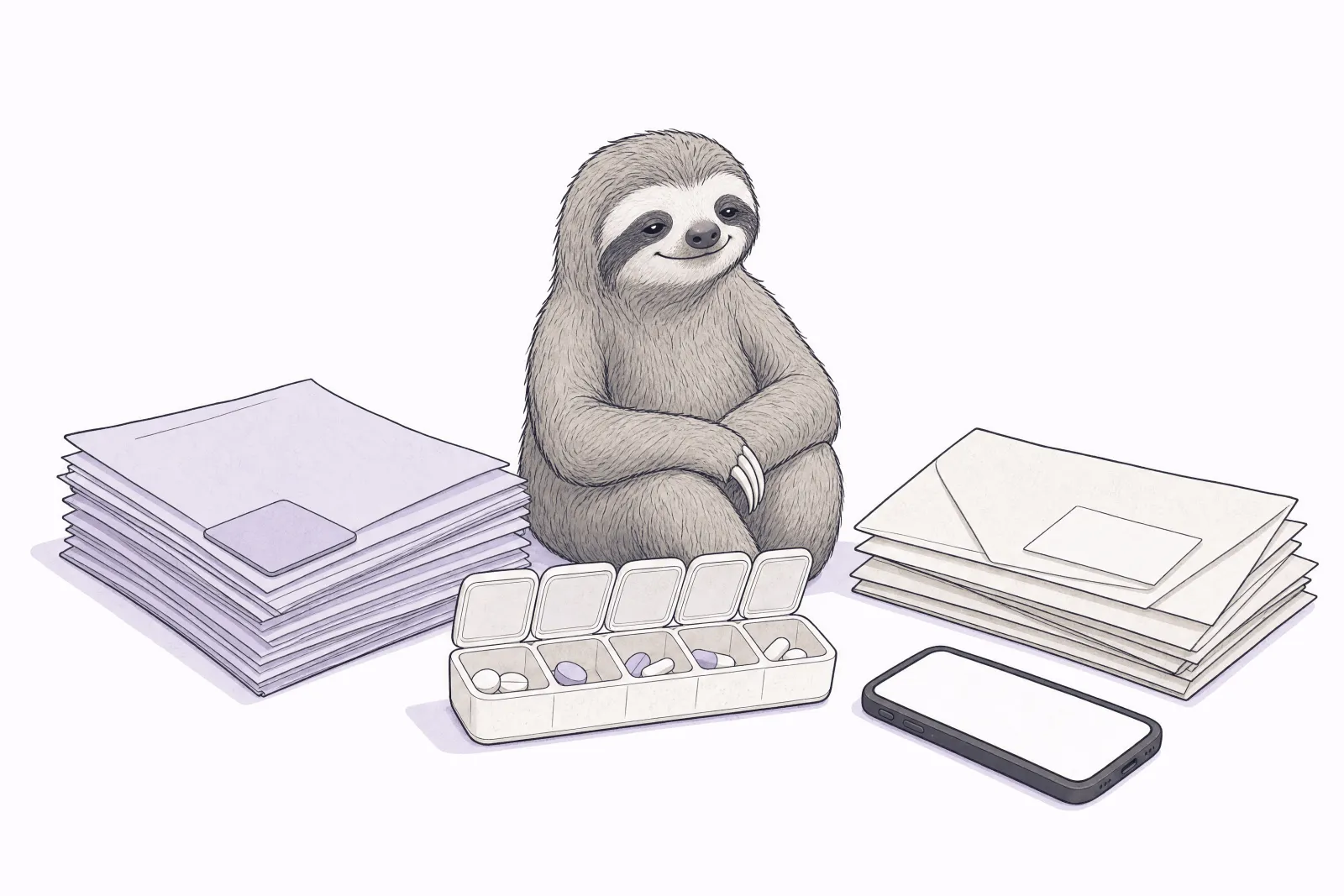
If you search for the best health app for someone on Medicare, you will find lists that never quite answer the question. That is because the question hides three different jobs: keeping medical records findable, keeping medications on schedule, and keeping the paper trail of claims and bills honest. Different apps are good at different jobs, and the free official tools cover more than most people expect. This guide walks through each job, what covers it for free, and when an app earns its place. (Full disclosure: Slothwise, the company behind this site, makes one of the apps discussed below. Every option gets a fair description, and the free routes come first.)
Start with the free official layer
Before any app, two free accounts do heavy lifting:
-
Your secure Medicare account at Medicare.gov shows your claims, lets you order replacement cards, and is the switchboard that securely connects any app you later choose to your Medicare information, with your permission, which you can revoke.
-
Your doctors' patient portals (MyChart is the most common) are the official channel to each care team: results, messages, refills, visit notes. They are free and worth setting up even if you never add anything else.
The limit of the free layer is fragmentation. Each portal shows only its own health system, and your Medicare account shows claims, not your full medical history. The apps below exist to solve that.
Job 1: Medical records you can actually find
The problem: your history is scattered across every clinic, hospital, and lab you have ever visited, each behind its own login. Apps that solve it collect records into one place you control. PicnicHealth builds a complete history for you, including from paper charts. One-place apps like Slothwise connect your providers and your Medicare claims so records, medications, and results live together and stay current. If you are on Medicare, the natural starting point is the Medicare App Library on Medicare.gov: every app listed there passed an independent privacy and security review and cannot sell or share your data, which settles the scariest question before you compare features.
Job 2: Medications that stay on schedule
The problem: multiple prescriptions, changing doses, and the honest human fact that streaks break. If medication timing is your main concern, Medisafe is a strong dedicated answer: flexible reminders and the option to alert a family member if a dose is missed. If medications are one thread of a bigger picture, a one-place app that holds your medication list next to your records and readings means your list is current when a doctor asks, and reminders come from the same place that knows the rest of your health. Our six-app comparison lays out the tradeoffs honestly.
Job 3: Bills and the Medicare paper trail
The problem: Medicare Summary Notices, Explanation of Benefits letters, and provider bills arrive on different schedules and do not obviously agree with each other. The free skill that protects you is knowing how to read the paper trail; our guide to reading a Medicare Summary Notice and catching errors covers it step by step. Apps help by importing your claims so statements sit in one searchable place instead of a drawer, and by making it easy to spot a charge that does not match a visit you remember. And if your income is limited, the biggest bill fix is not an app at all: programs covered in our guide to Medicare and Medicaid together can pay premiums and stop certain bills entirely.
Putting it together
-
Minimal setup, no new apps: Medicare.gov account + your portals + the MSN reading habit. Free, official, complete for many people.
-
One sharp tool: add Medisafe if medications are the one hard job, or a records app if findable history is.
-
One place for everything: if you are tired of being the human integration layer between portals, pill lists, and paper, a one-place app like Slothwise consolidates the three jobs. Whatever you pick, choosing from the App Library means the privacy vetting is already done.
Connecting any app to your Medicare information involves a one-time identity check through the official secure sign-in; here is exactly what to expect so it does not catch you off guard.
Common questions
Is it safe to connect an app to my Medicare account? The connection runs through Medicare's own secure sign-in, you approve it explicitly, and you can revoke it at any time from your Medicare account. Apps in the Medicare App Library additionally passed an independent privacy and security review and cannot sell or share your data.
Do I have to pay for any of this? The official layer is free. Many apps, including Slothwise, are free to start. Treat any app that demands payment before showing you value with healthy suspicion.
I am helping a parent do this, not doing it for myself. We wrote a separate guide for exactly that: the caregiver's setup, including the official access to arrange first.
What if I am not comfortable with apps at all? The paper habits work: a written medication list in your wallet, MSNs checked when they arrive, portal access used from a computer. Some tools also meet you where you are; Slothwise, for example, works over ordinary text messages, so a texted photo of a pill bottle is a complete way to use it.
Which app is best overall? The honest answer is that it depends on the job, which is why this guide is organized by job. Anyone who names one best app for everyone is selling something.
How can Slothwise help?
Slothwise is built for the person who wants all three jobs handled in one place: it brings your medical records, Medicare claims, medications, wearable data, and everyday tracking together, keeps it organized without homework, learns what is normal for you, and answers questions about your own health in plain language. You can use it in the app or entirely over text messages, and it is free to start, with no credit card. Slothwise is fully available in the Medicare App Library, which means it passed the independent privacy and security review and cannot sell or share your data.
Slothwise is one option among good ones. Medisafe is excellent if medications are your only hard job, PicnicHealth goes deep on records, your portals remain the official channel to your care teams, and the free layer alone is a legitimate answer.
Slothwise is not affiliated with or endorsed by Medicare, the Centers for Medicare & Medicaid Services, or any government agency, and does not sell, endorse, or recommend any Medicare plan. This article is general information, not legal, financial, or medical advice. For questions about your specific coverage, contact 1-800-MEDICARE, your State Health Insurance Assistance Program (SHIP), or a qualified professional. Last updated: July 2026.