 Slothwise
Does Slothwise Have Charts and Graphs? Yes. Here Is the Full Tour
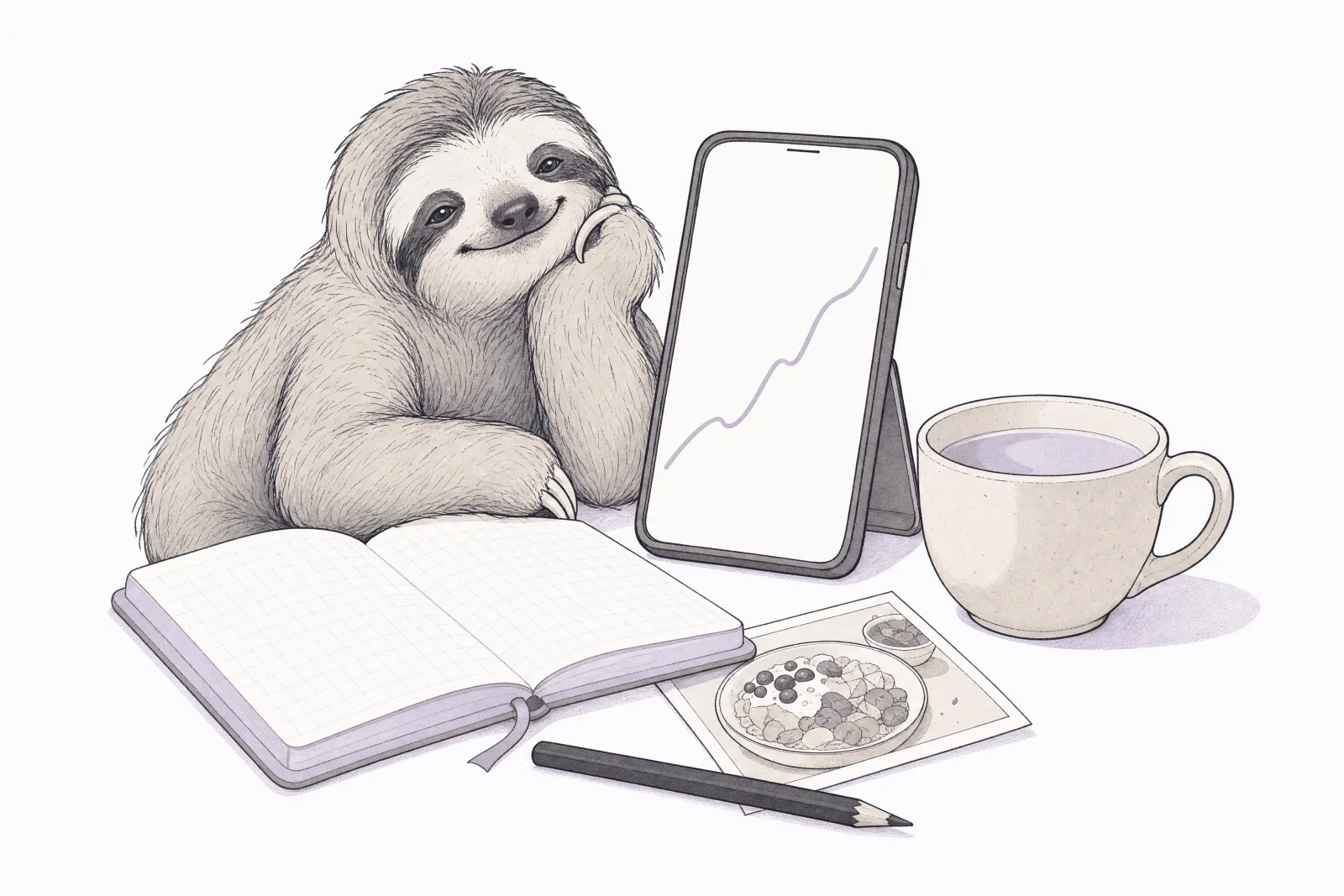
Slothwise is known for its text-a-photo simplicity, but behind the conversation is a complete visual dashboard: trend lines, sleep stages, lab range bars, weight and nutrition charts, and a browsable map of your whole health record.
The short version
Yes. Slothwise has charts, graphs, trend lines, and a full visual dashboard.
If you have mostly heard about the texting, that impression is understandable, because the texting is real and it is the fastest way to get information in: snap a photo of your lunch, scan a barcode, or type "slept badly, headache this morning," straight from your messages. But everything you log, sync, or import lands in a visual dashboard built for exactly the person who likes to open an app and study their trends. Here is what you actually see.
A dashboard organized by body system
The Browse tab lays out your health record the way your body is organized: cardiovascular, respiratory, digestive, endocrine, nervous system and brain, reproductive, urinary, plus skin, hair, and nails. Each system holds the labs, vitals, conditions, and history that belong to it, and the cards carry their own mini trend charts, so you see direction at a glance before you ever tap in. A search bar covers everything, so typing "cholesterol" or "MRI" takes you straight to the data point.
Trend lines for your vitals and labs
Every tracked value opens into a full line chart: chronological, clearly dated, with axes designed to be readable rather than decorative. You can watch your blood pressure settle over months, or see exactly when a lab value started drifting and what happened after.
Lab results you can read without googling
Lab numbers are plotted on a visual range bar against their reference range, so you can see at a glance whether a result is low, normal, or high, and by how much. Slothwise covers 700+ lab markers, and each marker keeps its history, so a single result becomes a trend you can actually interpret instead of a number you have to look up.
Sleep, in stages
The sleep view charts your night stage by stage, through Awake, REM, Light, and Deep, with weekly and monthly views for comparing across time. If you wear a sleep tracker, this is where its numbers become a picture.
Weight and nutrition trends
Weight gets dedicated trend tracking across 3, 7, 14, 30, and 90 day windows, with direction indicators so you know whether a change is a blip or a pattern. Food you log by photo, barcode, or text is calculated automatically and rolls up into weekly nutrition charts, so a texted photo of dinner ends up as a data point on a graph without you doing anything else.
Day-by-day tracking views
Habits, sleep, and cycles live on a tracking calendar, so streaks and patterns are visible day by day instead of buried in a list, and medications have their own daily tracker with each dose's status at a glance.
Insights that read your whole history
Slothwise looks across your records, wearables, and daily logs together, learns what is normal for you, and points out changes that may deserve attention as a feed of insights, each one grounded in your own data, so the charts come with observations and not just lines.
You do not have to log anything to get charts
A quiet benefit of connecting your medical records and devices: the dashboard fills itself. Lab charts build from your records, sleep and activity charts build from your wearable, and the trend lines accumulate whether or not you ever log a thing manually. Tracking food or symptoms adds more, but it is optional.
The point: you do not have to choose
Some health apps are conversations. Some are dashboards. Slothwise is deliberately both: the conversation is the fastest way in and the place to ask questions, and the dashboard is where your health becomes something you can see. Text a question and get a plain answer; open Browse and see the graph behind it. You can use it in the app or right from your text messages, and it is free to start, with no credit card.
Common questions
Is there a desktop or web version of the dashboard? No. Slothwise lives on your iPhone or Android phone. If your ideal setup is a big monitor and a browser tab, a web-based tracker may genuinely suit you better; that honesty matters more to us than the download.
Do I have to use the texting? No. The app stands entirely on its own. Texting is there for the moments when opening an app is one step too many, and for family members who will never install anything.
Where does the data behind the charts come from? Your connected medical records, your Medicare or insurance claims if you connect them, wearables and home devices, and anything you log yourself. Slothwise is listed in the Medicare App Library, which requires an independent privacy and security review, and listed apps are barred from selling or sharing your data.
How does it compare to chart-heavy trackers like Guava or Bearable? We wrote an honest side-by-side of six health apps and what each is actually good for There is also a direct Slothwise and Guava comparison., and for Medicare readers, our guide to every app in the Medicare App Library.
Slothwise is not affiliated with or endorsed by Medicare, the Centers for Medicare & Medicaid Services, or any government agency, and does not sell, endorse, or recommend any Medicare plan. This article is general information, not legal, financial, or medical advice. App features change over time. For questions about your specific coverage, contact 1-800-MEDICARE, your State Health Insurance Assistance Program (SHIP), or a qualified professional. Last updated: July 2026.